

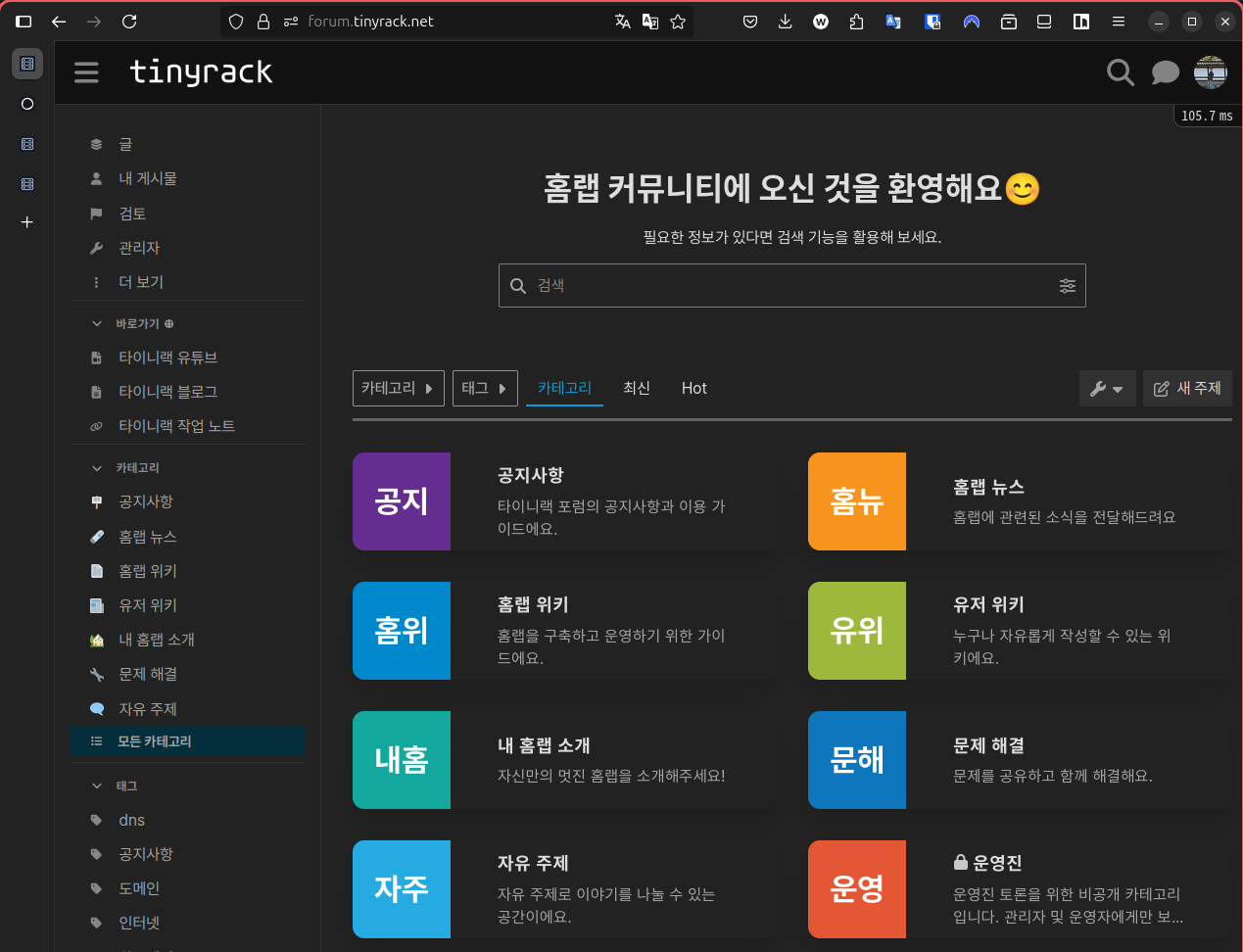
I Made a Forum
One of my goals was to create a forum where people who enjoy homelabs can gather and talk. The forum is now mostly ready, so I want to introduce it and the process behind building it.
There are many ways to build a forum, but before choosing the method I started by defining the value I wanted to provide.
- Structured guide documents for building a homelab
- A place where homelab users can communicate
- A place where users can help each other solve problems
After deciding on those goals, I started looking at forum engines.
Choosing a Forum Engine
Because I write about homelabs, I naturally looked for a forum engine that could be self-hosted on my own server. There are many self-hostable forum engines. In Korea there are projects such as XpressEngine and Rhymix; internationally, Discourse and NodeBB are common options.
After looking at several options, I felt that the Korean forum engines were aiming at something quite different. They were closer to general-purpose website builders than focused forum and documentation tools, so they did not feel like the right fit. Their open-source plugin ecosystems also seemed limited, which meant I would likely have to build many things myself.
The overseas forum engines, on the other hand, felt like products made specifically for forums. Discourse stood out the most. When I looked at sites built with it, I immediately felt that it matched what I wanted. Site search, recommendation features, structured documentation, and other features lined up well with my requirements.
I also realized that many forums I already knew or had visited were based on Discourse. It is used by many companies and appears to be well maintained, so I decided to use it.
Installation
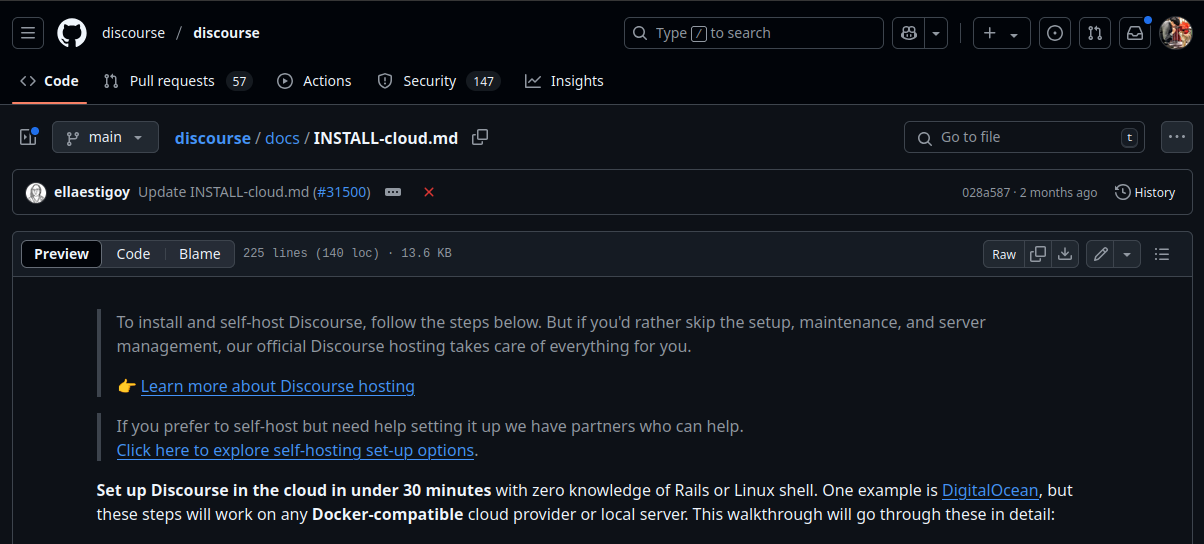
Discourse provides an official self-hosting guide. The installation itself was not very difficult, but there were two disappointing points.
The first is that it requires a separate email server. Email is a surprisingly difficult area to self-host. Residential internet connections often block outbound mail ports and use dynamic IP addresses, so they are not suitable for running a mail server. I wanted to support only third-party login options such as Google or Apple, but there was no obvious way to do that.
Fortunately, I was already renting a server from Hetzner Cloud and running a personal mail server, so I could solve the problem. Still, it was disappointing that a fully self-hosted setup was not simple. I expect this to be a big barrier for users who want to run Discourse for free.
The second issue is that installation requires learning its own CLI tool instead of using Docker directly. It uses Docker internally, but rather than pulling a finished image, it dynamically builds the image through its tooling. That means you need to learn commands like these:
./launcher rebuild app # rebuild app
./launcher stop app # stop app
./launcher start app # start app
Software distributed with Docker usually has the advantage of a consistent and easy experience. A Docker user can write a docker-compose.yml file and run docker compose up -d. With Discourse, you need to understand both Docker and its own CLI, which can feel inconvenient.
After some trial and error, the installation itself finished without much trouble. I then connected it to my reverse proxy, configured the domain and SSL certificate, and completed the setup.
Configuration
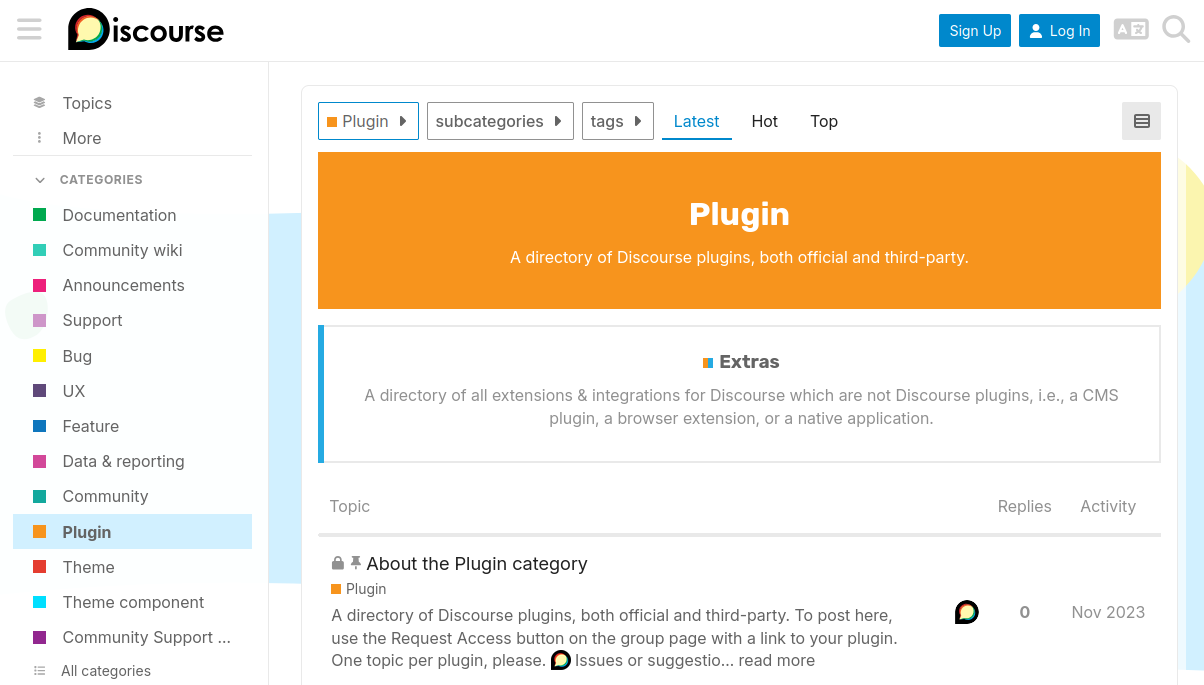
After installation, I noticed a few missing features. I looked through the official forum plugin page, installed and tested several plugins, and eventually chose these:
- Apple Auth: Apple login support, while Google and GitHub are already supported
- Doc Category: shows a document table of contents in the sidebar
- RSS Polling: automatically imports blog posts into Discourse
- Solved: lets users mark a solution for question posts
- Mermaid: supports Mermaid diagrams in the editor
- Reactions: lets users react to posts with emoji
My favorite feature was the integration with the blog. By combining Discourse Embed and the RSS Polling plugin, blog posts can be imported into Discourse automatically, and the blog can display comments from the linked Discourse topic. I found this kind of bidirectional integration fascinating.
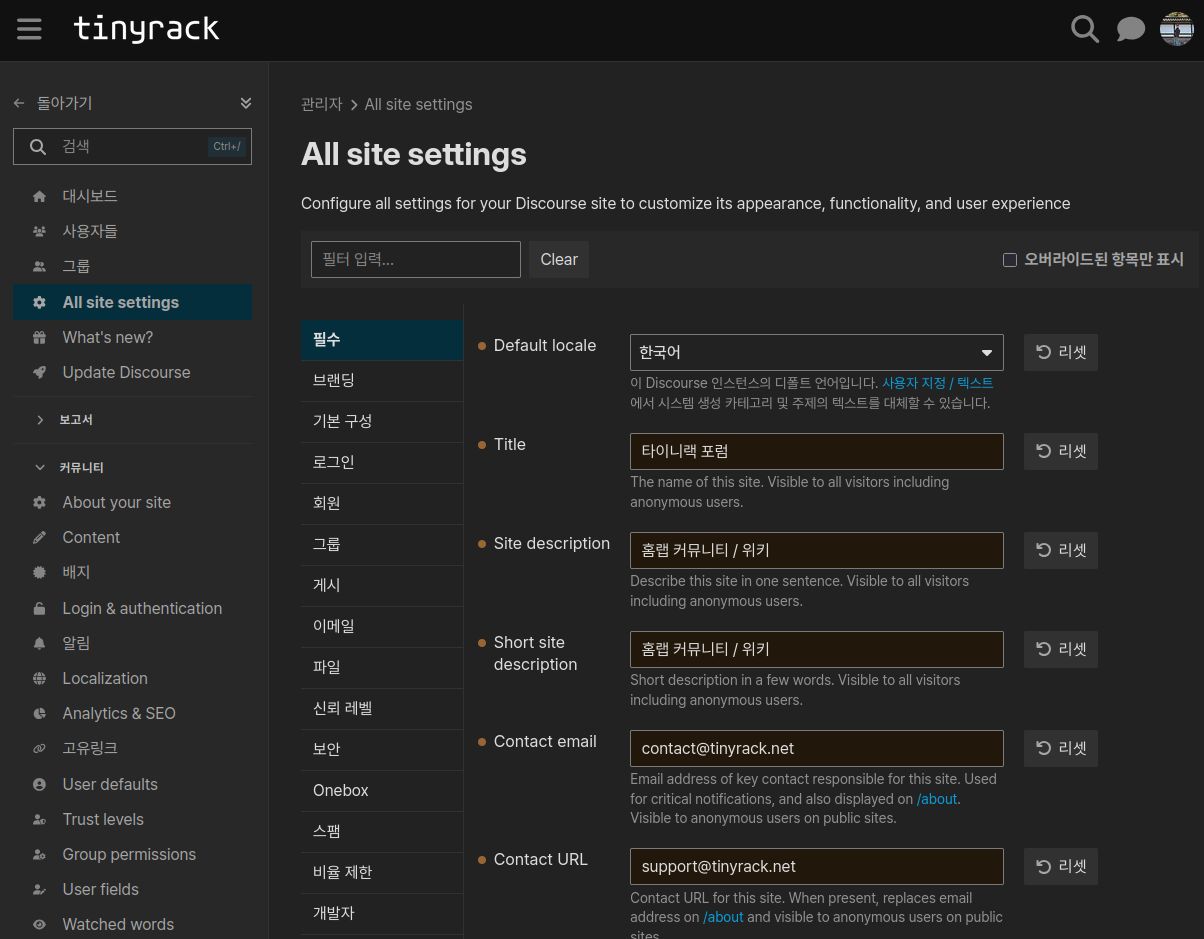
After configuring plugins, I changed the options I needed:
- Branding, including name and logo
- Landing page setup
- Third-party login settings
- Sign-up terms
- Font changes
- Blog integration
- Translation improvements
Almost every Discourse option can be adjusted from the admin page, which was convenient. After the initial setup, I do not expect to use the terminal often unless something breaks.
One downside was that, because it was made overseas, many Korean translations were missing or awkward. Fixing those took a fair amount of time. If possible, I would like to contribute translation improvements back to the Discourse source later.
Done!
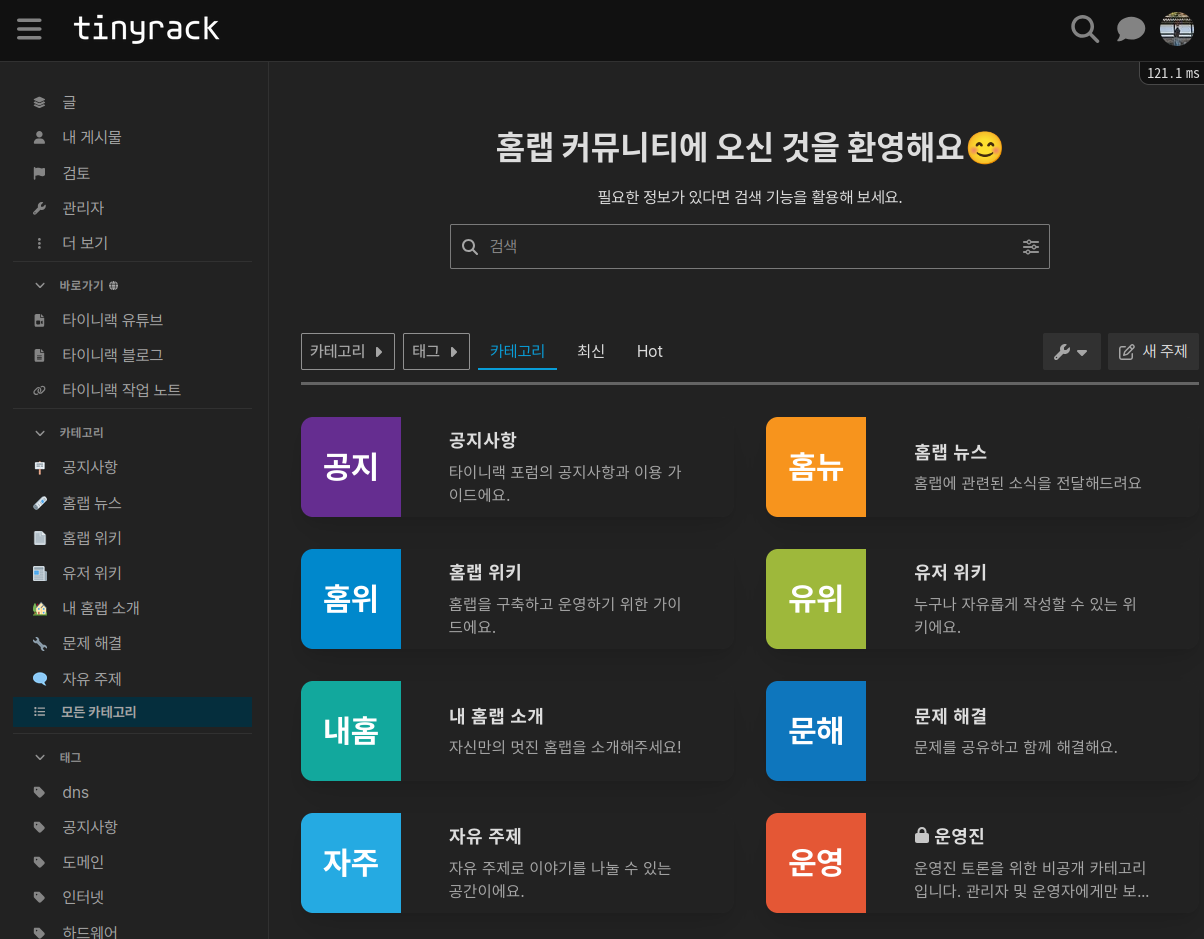
The forum is now mostly ready. There are still many posts left to write, but I think it will become a better forum as it fills up. Based on my experience so far, these are the strengths of Discourse:
- The built-in search is excellent.
- Search engine optimization is well handled.
- The UI and UX are polished.
- It has many good writing features, including Markdown, HTML, and Mermaid.
- It integrates well with other apps, including embedded comments and RSS polling.
- Site backup and restoration are easy.
- Third-party login through OAuth is easy to integrate.
Of course, there are also some downsides:
- Discourse is a thread-style forum rather than a traditional board-style forum, which may feel unfamiliar in Korea.
- Many Korean translations are incomplete, although most text can be customized by the site administrator.
- It only has a Markdown editor. I think this is not ideal for Korean users who are more comfortable with a WYSIWYG editor. Recent versions include an experimental WYSIWYG editor, but it still had many bugs.
The editor issue was the most disappointing point. It could become a big barrier for non-developer users writing posts, so I hope the WYSIWYG editor becomes an official feature soon.
Closing
The forum will serve as the wiki and community part of my dream homelab universe: wiki, community, news, and reviews. If you are curious about the forum I made, visit this link or use the Forum button in the top menu.