

Another Tiny Open-Source KVM: Openterface
This product was loaned to me free of charge by the manufacturer.
This review was written honestly without review guidelines from the manufacturer.
I previously uploaded a review video of the Sipeed NanoKVM on YouTube. A little while later, I received an email.
I hope this message finds you well. My name is Billy Wang, founder of TecxArtisan and product manager of Openterface. I’m reaching out to introduce our latest Open-source gadget, the Openterface Mini-KVM, a KVM-over-USB gadget we’ve been developing for the past year. We’d love the opportunity to send you an Openterface Mini-KVM Toolkit for your review. We are keen on exploring the opportunity that you can support our open-source development by introducing this handy KVM-over-USB gadget to a wider audience.
TecxArtisan had made an open-source USB KVM called Openterface and asked whether I would review it. There was no advertising fee and no review guideline, so I gladly accepted.
Packaging and Exterior
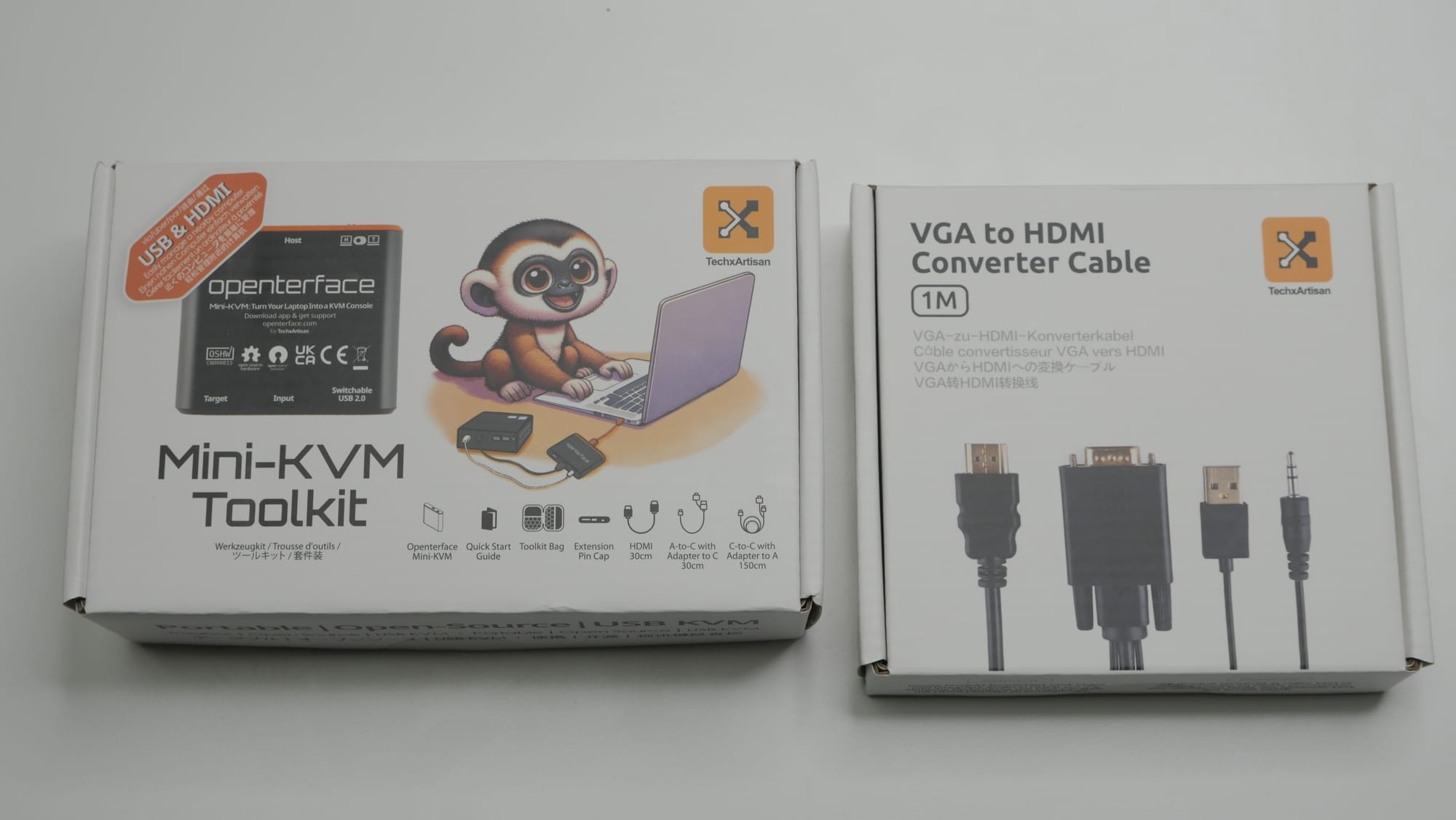
The package I received looked like this. It was divided into the main kit, which includes Openterface and cables, and a separately sold VGA-to-HDMI converter kit. The converter kit can be useful for older equipment without HDMI, but I do not own such equipment, so I used only the main kit.
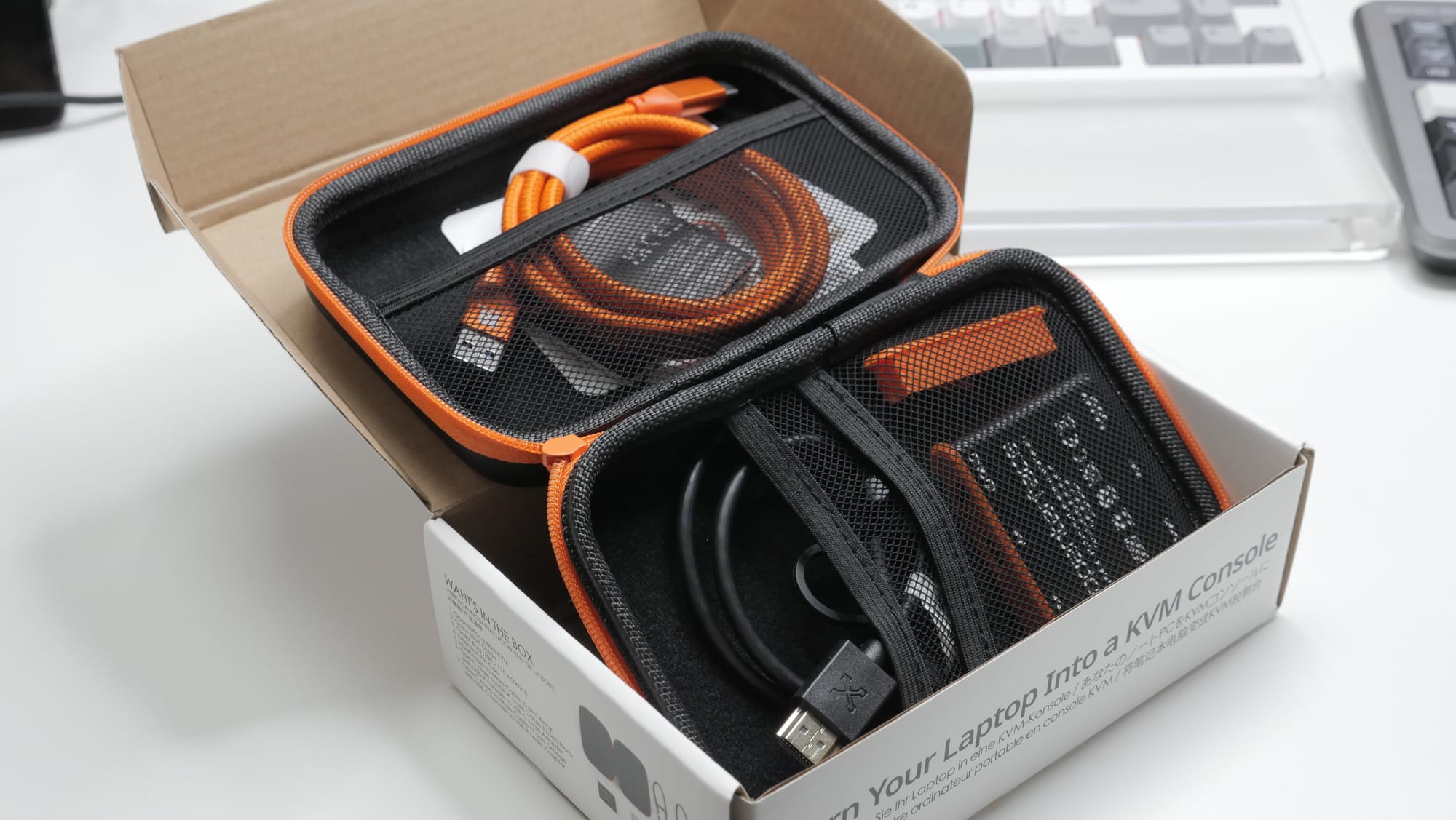
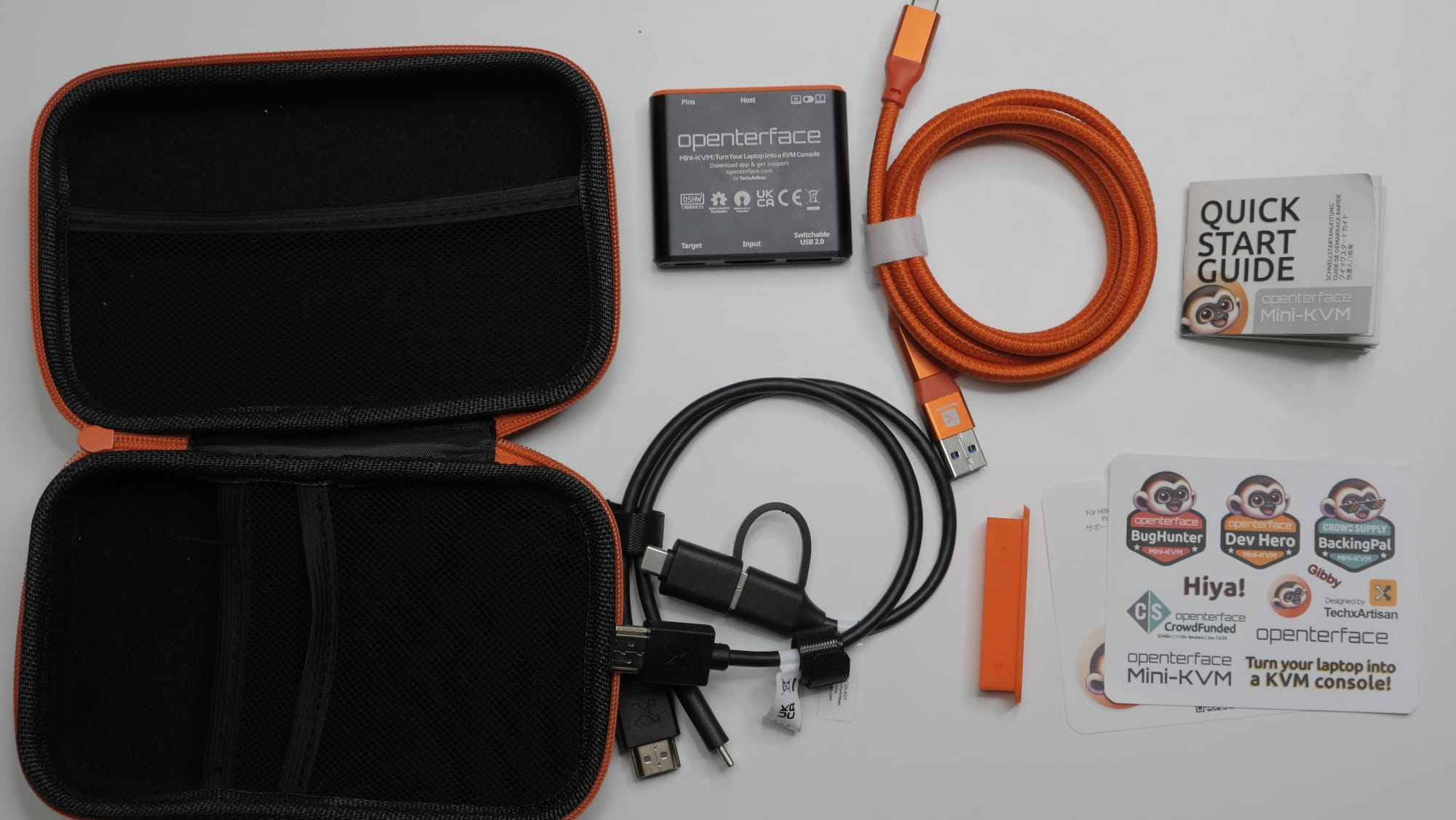
The Openterface main kit includes:
- Carrying bag
- Main device
- USB cable for connecting Openterface to the host
- USB cable for connecting Openterface to the target
- HDMI cable for connecting Openterface to the target
- Extras
- Spare replaceable caps for controlling the expansion pins
- Quick start guide
- Various stickers
USB KVMs inevitably involve many cables, so I liked that everything could be carried neatly in a single bag.
The host cable is a 20Gbps high-bandwidth cable. That much bandwidth does not seem necessary, so it felt a little odd. Still, having it is better than not having it.
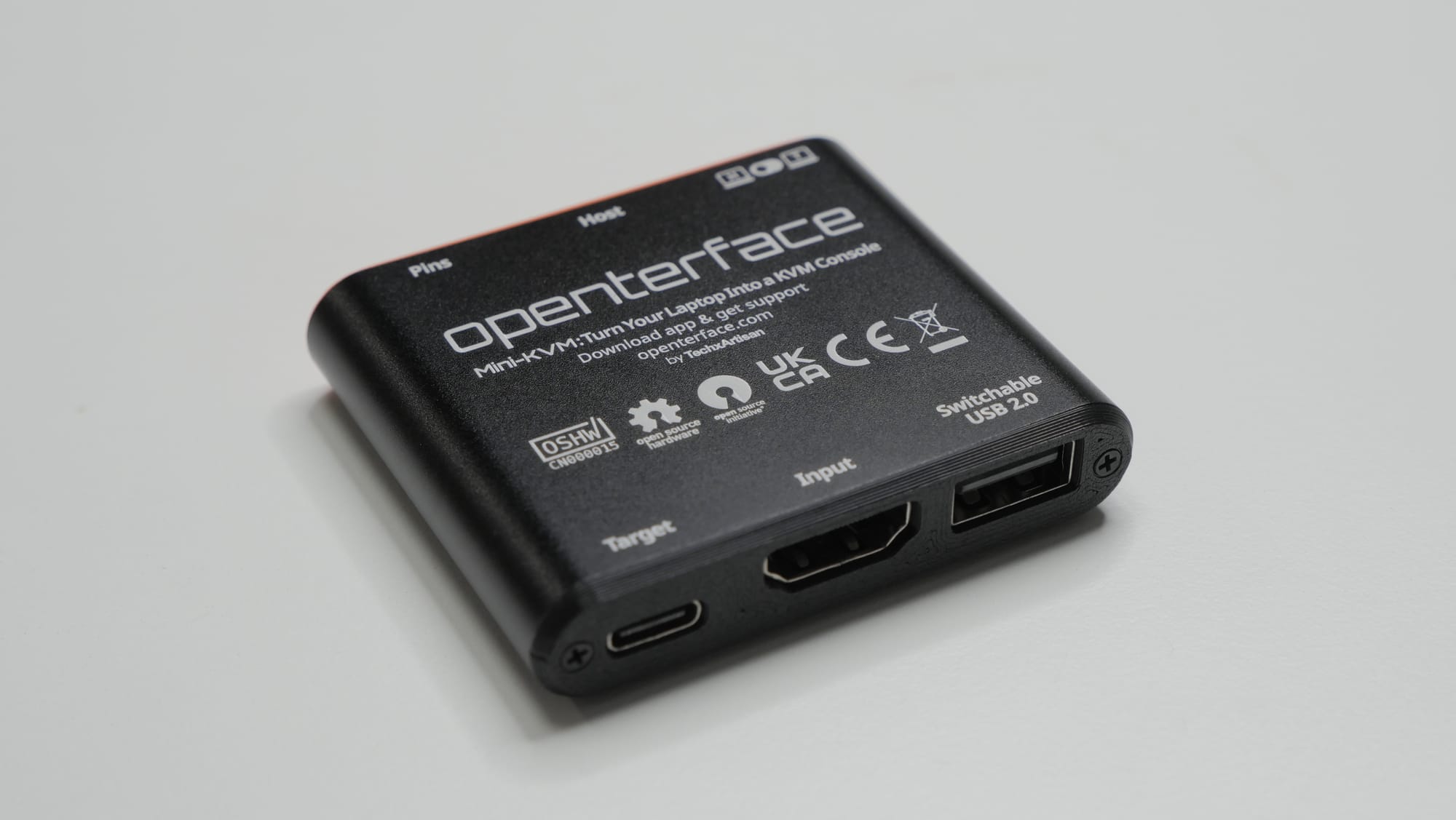
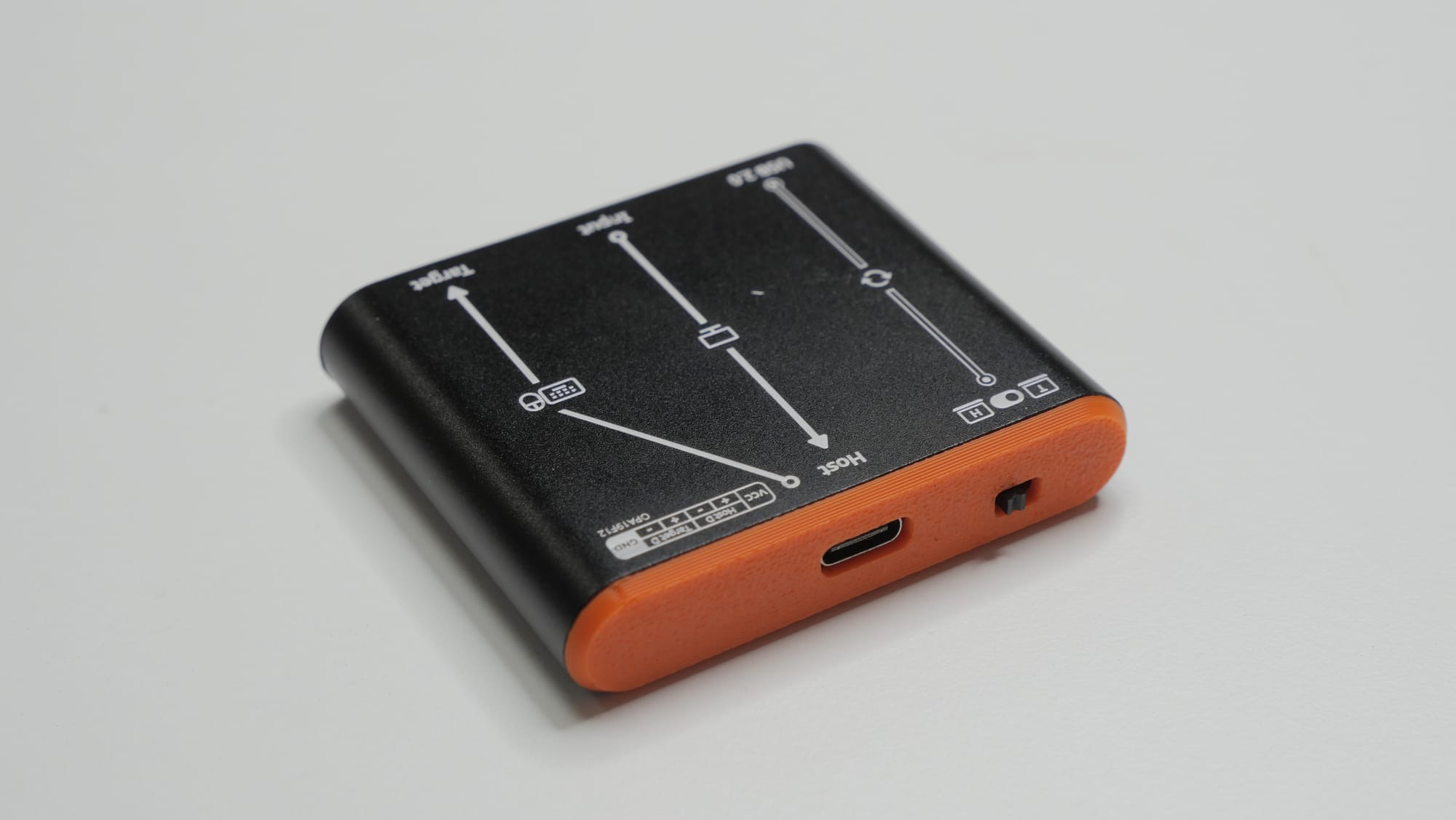
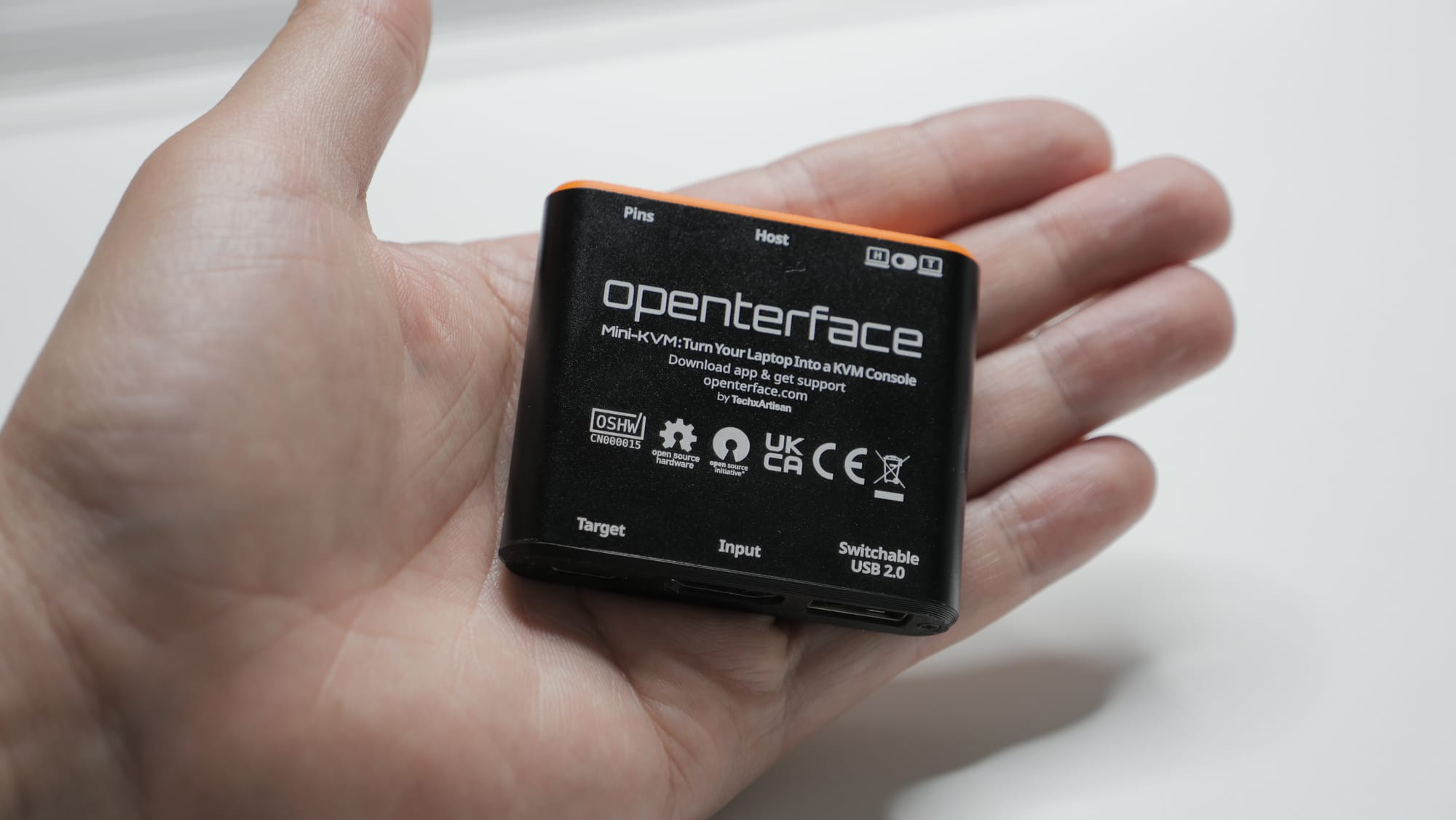
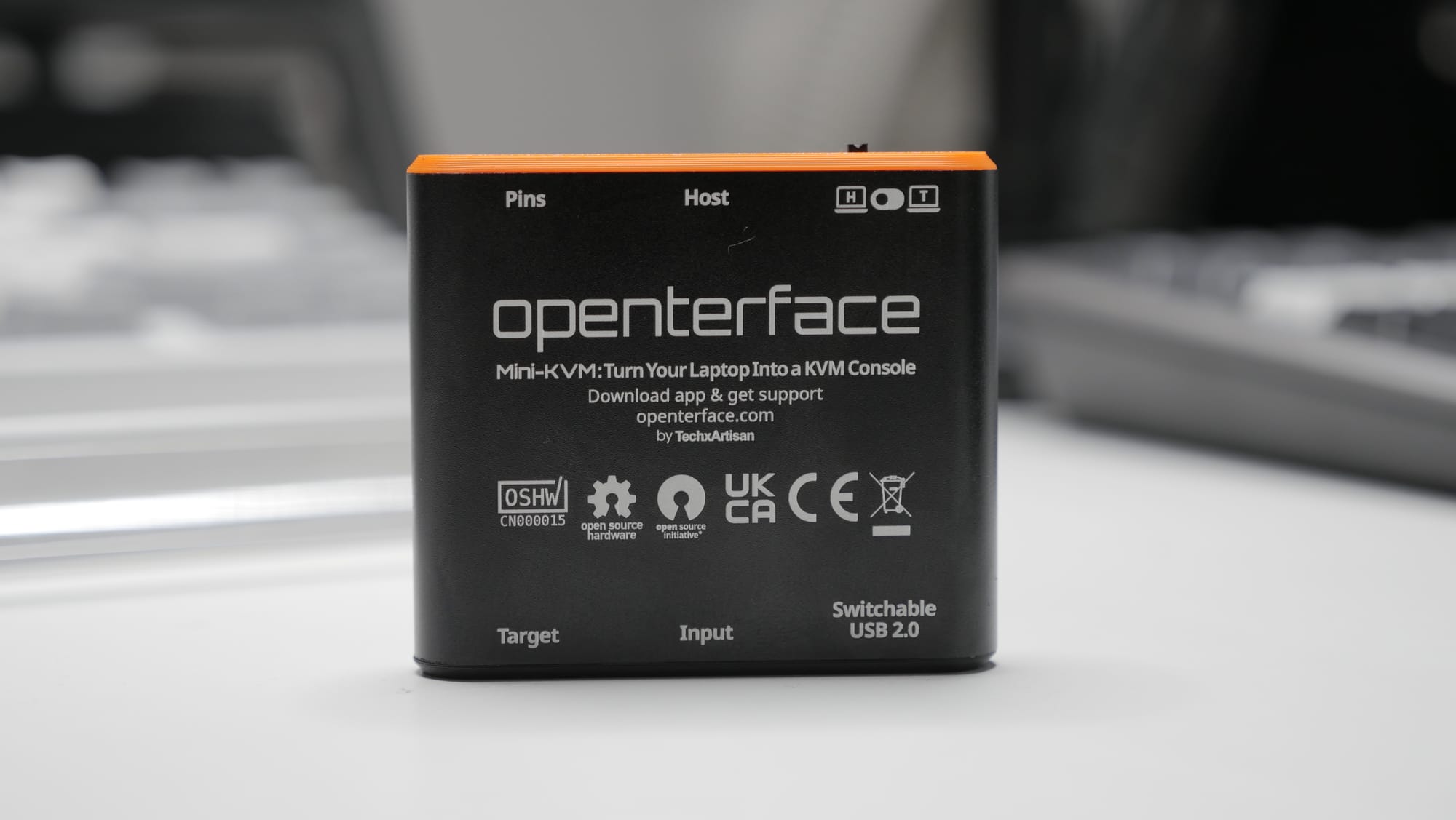
The Openterface body is made of metal and includes certification marks and a diagram. The orange cable guides on the top and bottom appear to be 3D-printed parts, but they were printed cleanly enough that I had no complaints. It is not especially beautiful, but considering its purpose, the design feels appropriate.
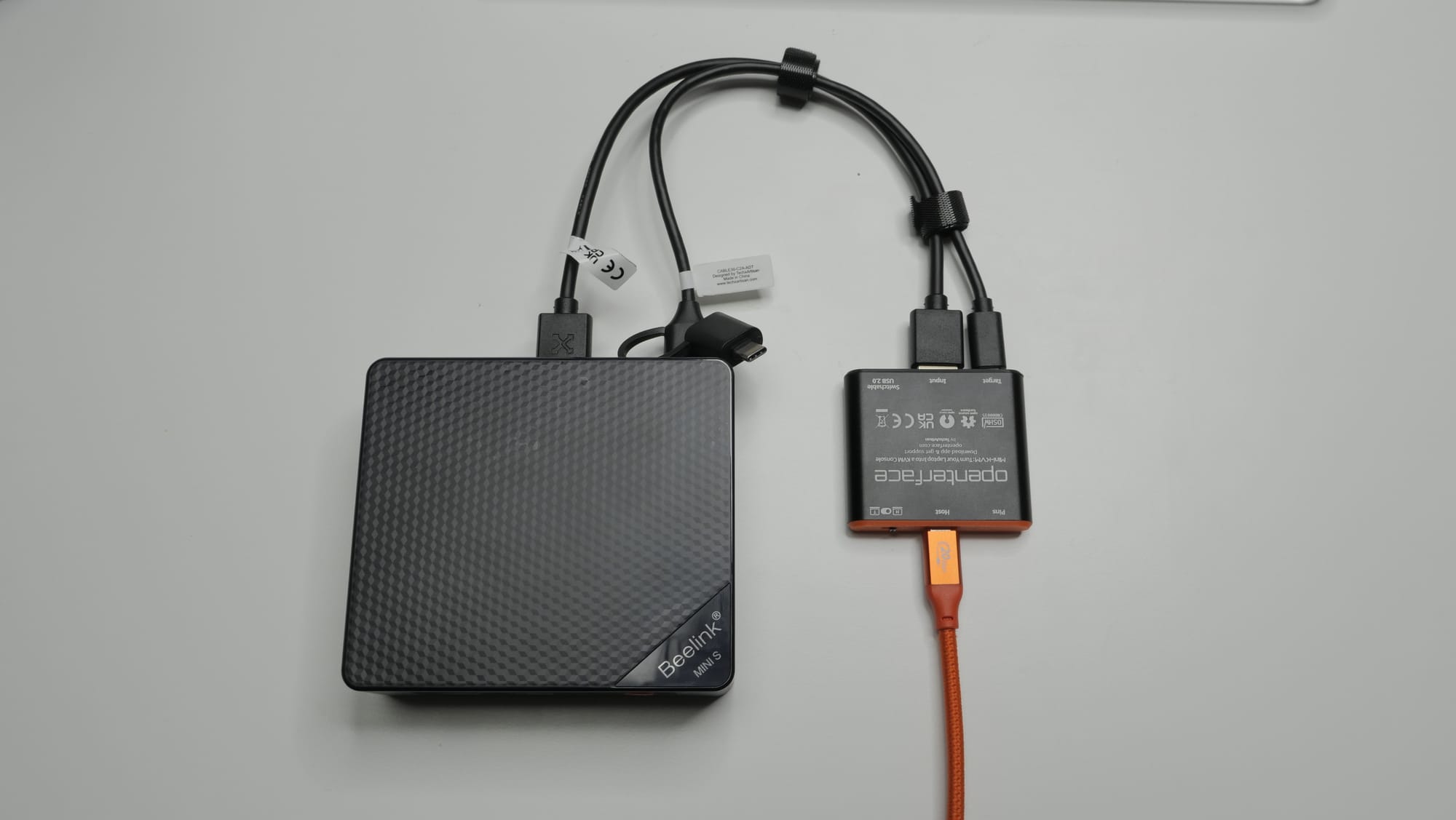
This is what it looks like when connected for use. USB adapters are included so it can be used with both Type-C and Type-A ports.
Price
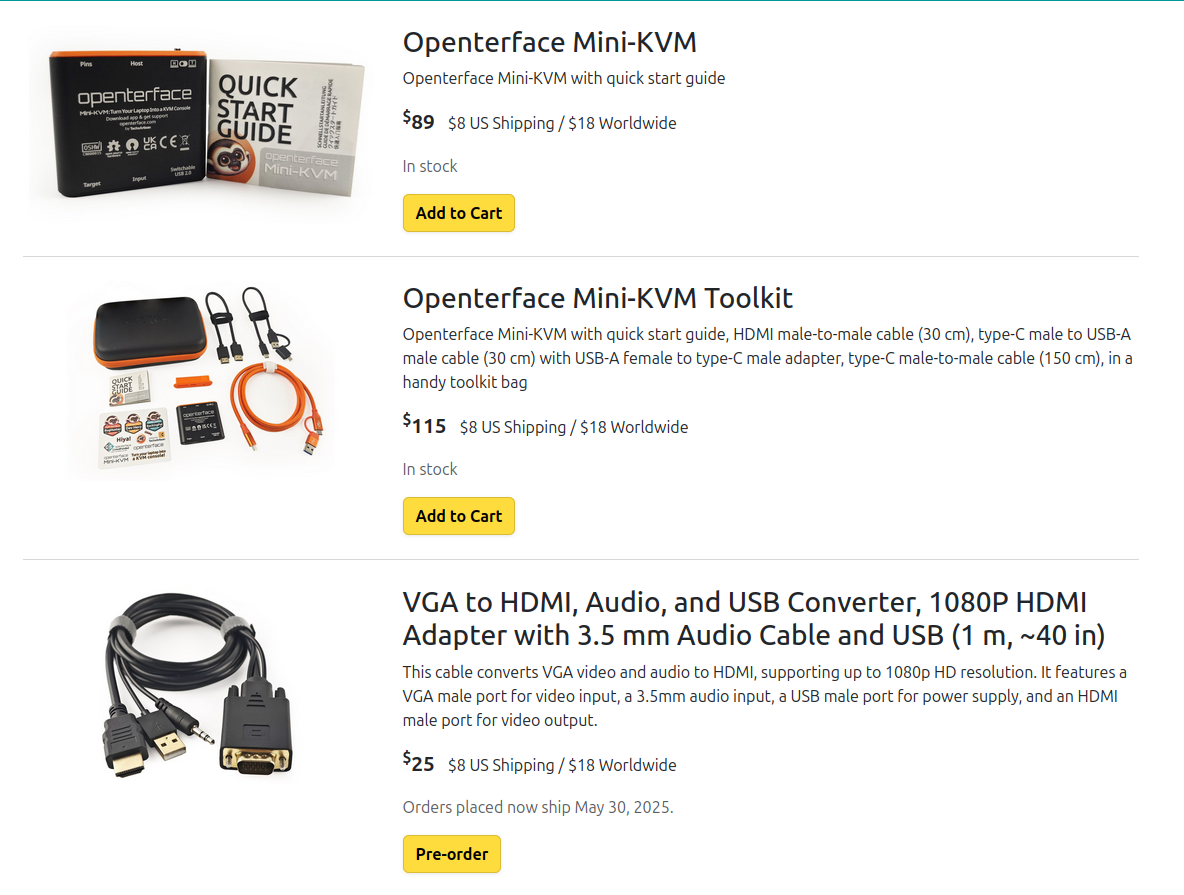
Openterface is currently sold through crowdfunding, which is not my favorite method. The downside of crowdfunding is well known: products may not be completed properly, or shipping may be delayed repeatedly.
Fortunately, Openterface appears to be producing real units and delivering them to buyers so far. Still, I think it would be better for consumer protection if it eventually moved to normal retail channels such as Amazon or AliExpress.
Openterface is sold in three kit configurations:
- Main device only: $89
- Kit with bag and cables: $115
- VGA-to-HDMI converter kit: $25
The price difference between the main device and the kit is not large, so I would probably buy the kit. Overall, though, I think it is fairly expensive. It is difficult for a small company in a niche market to offer strong value, but the price is still high.
The competing NanoKVM USB was recently released with a similar kit for about 77,000 KRW. Compared with that, Openterface is roughly twice as expensive, so I would hesitate unless it had a clear functional advantage.
Open Source
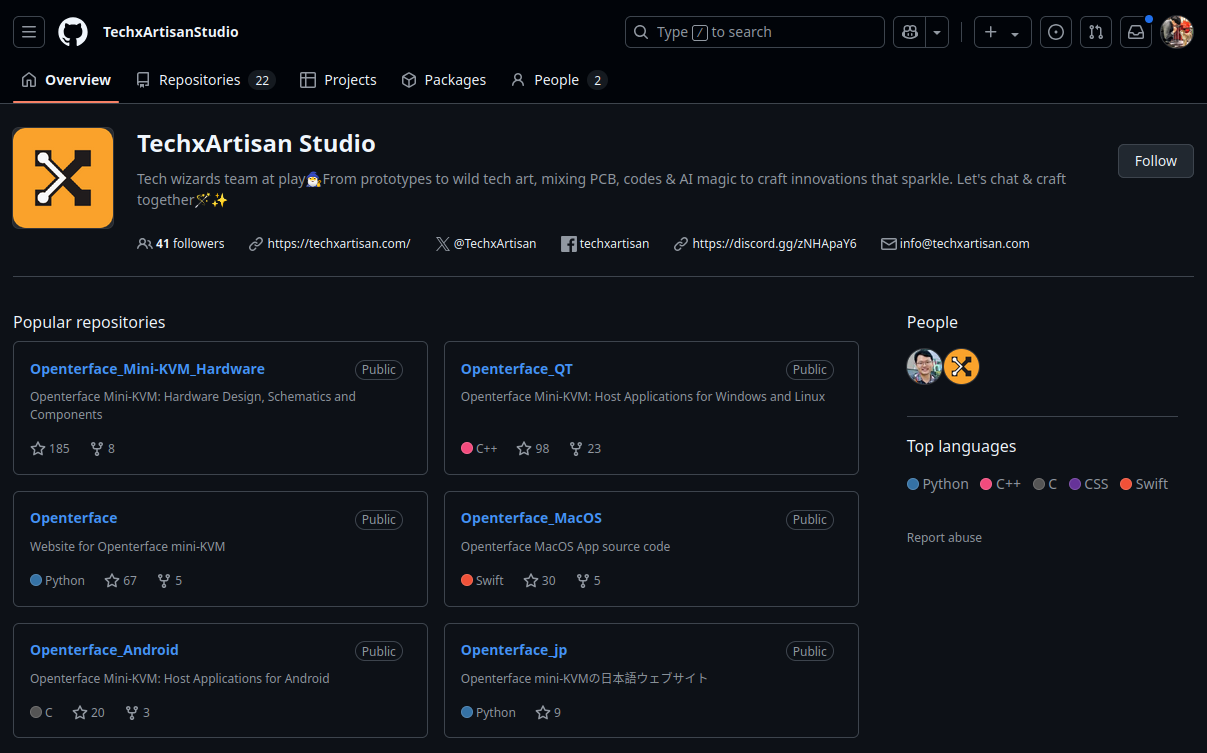
Openterface aims to be fully open-source hardware and software. Anyone can contribute improvements, and people can also use the design files to make their own product. All sources are available on GitHub.
This approach means that even if the manufacturer shuts down, the community can continue hardware and software support. It also improves trust because the product's security can be examined transparently.
However, it also makes it difficult for the manufacturer to respond if other companies create clone products. Most companies do not make the open-source decision lightly. Even NanoKVM, which also presented itself as open-source hardware, released its sources only after the product became better known.
Open source can look like an angelic decision from the manufacturer, but that is not always true. Sometimes it feels like immature software is released and consumers are expected to improve it themselves.
I have not yet used Openterface's software deeply, but development activity looks active. Software support is important for this kind of product, so I hope active development continues.
Software
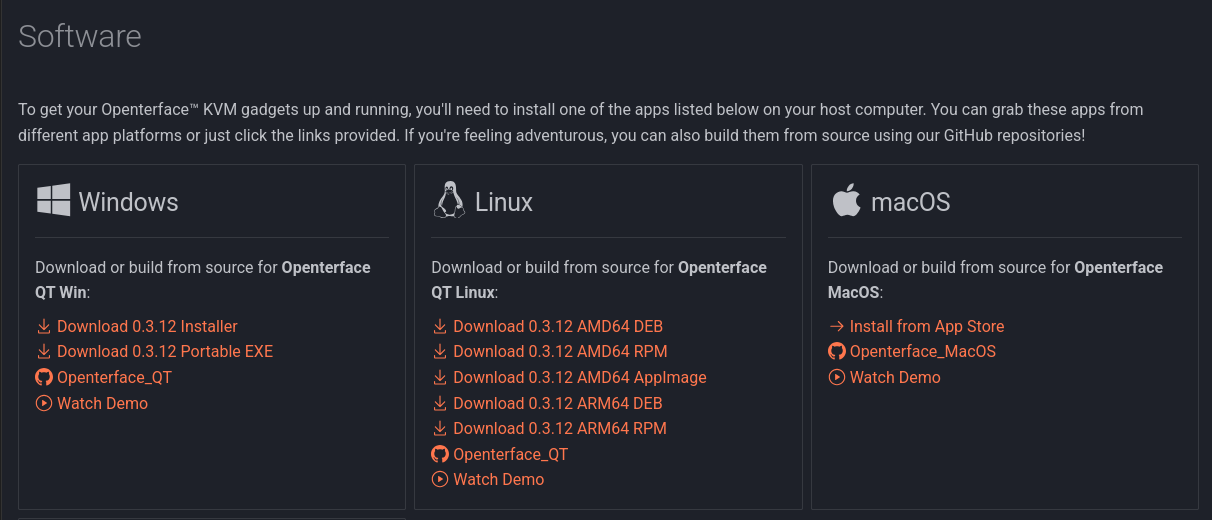
Now it is time to try it. Openterface provides software for macOS, Windows, and Linux. My Mac is actually the machine I need to fix with this Openterface, so this time I will talk only about Windows and Linux.
Windows
For Windows, both portable and installer versions are provided. I used the installer.
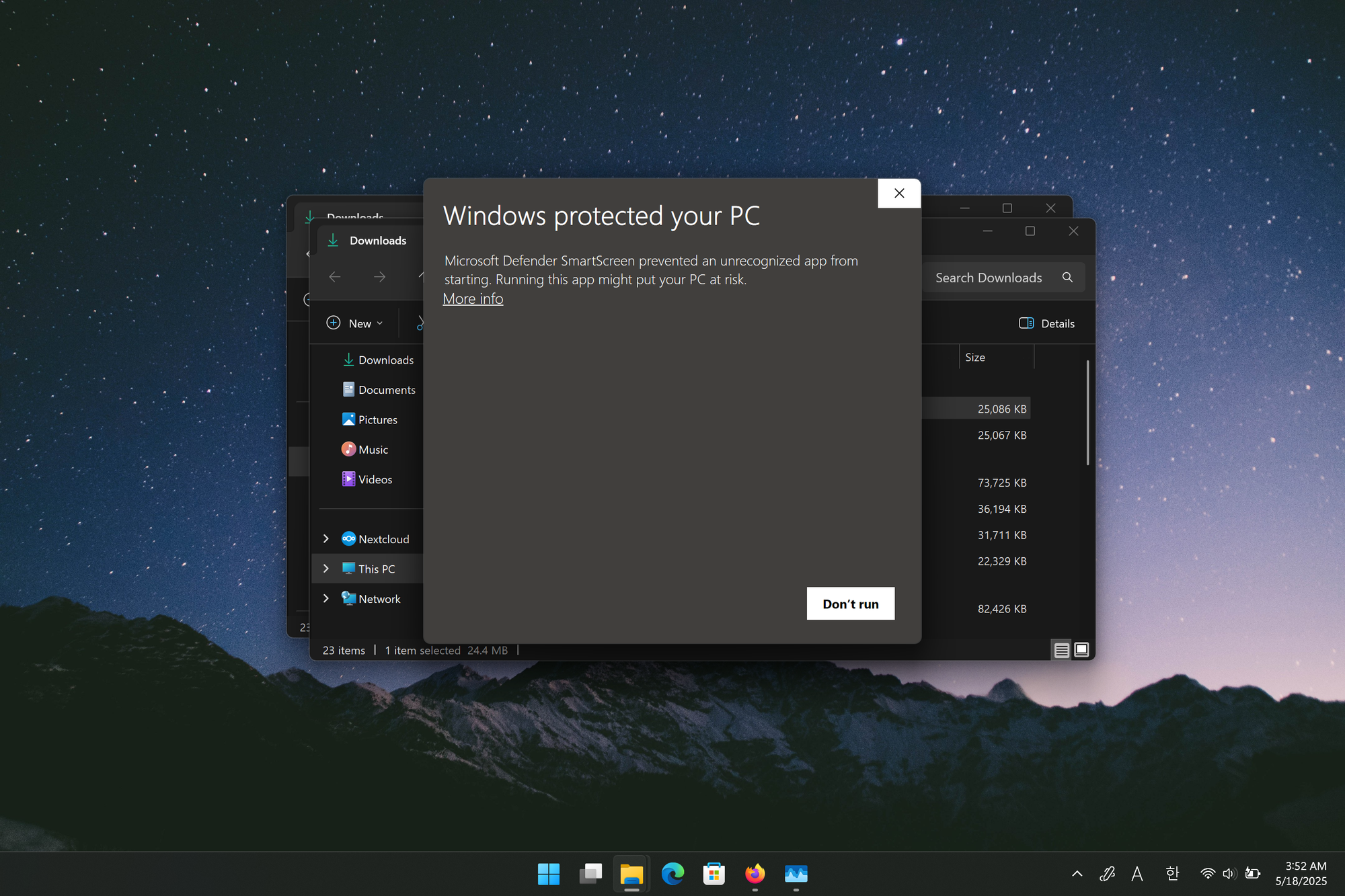
The first disappointment was that the installer did not have an appropriate certificate, so the SmartScreen warning appeared. These days a warning can still appear even with a certificate until reputation builds up, but I think the installer should at least be signed.
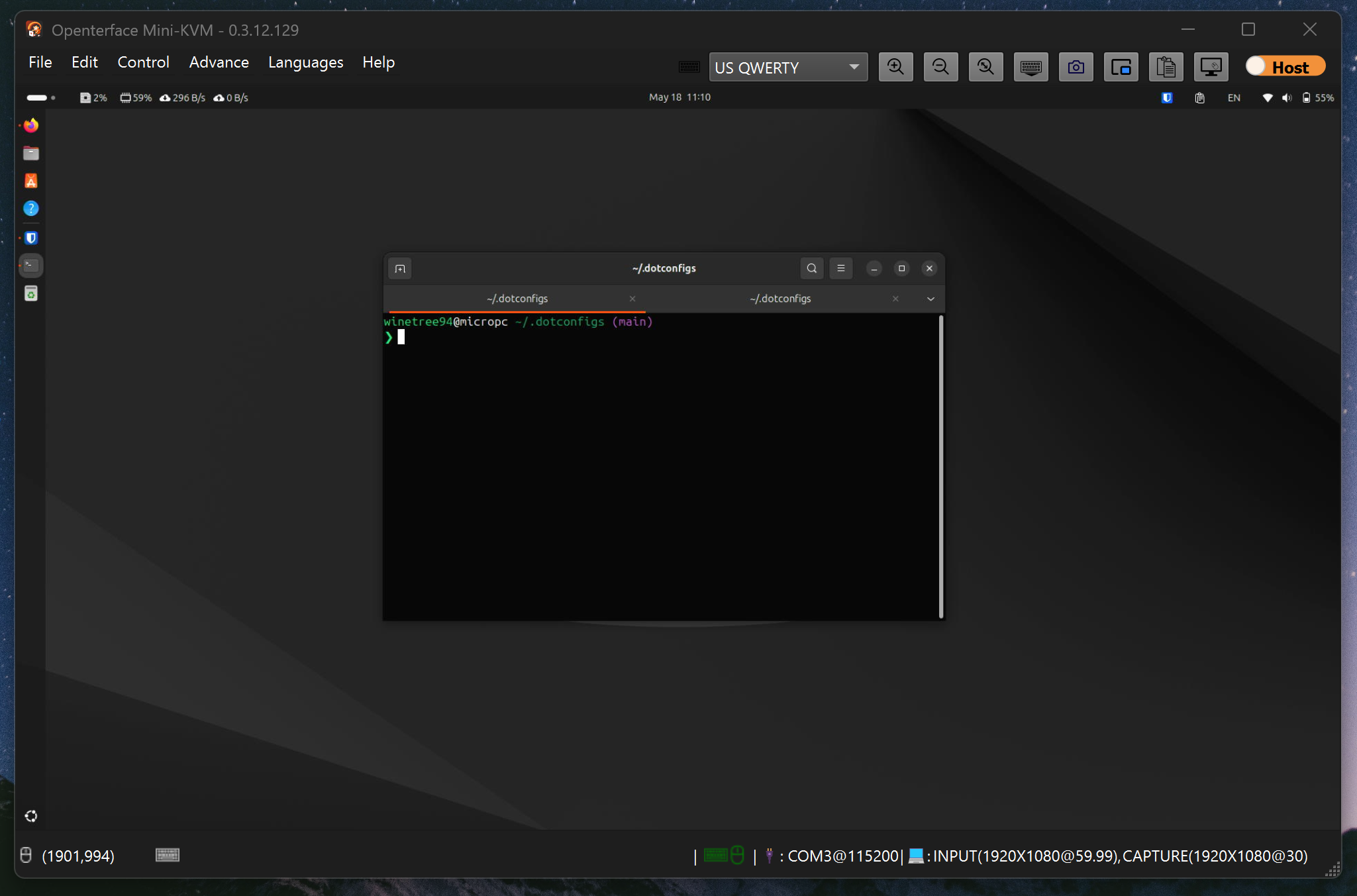
After installation, the first launch installed drivers. After rebooting and running it again, it worked without any special steps. I could view the FHD display, send keyboard and mouse input immediately, and enter the BIOS without issues.
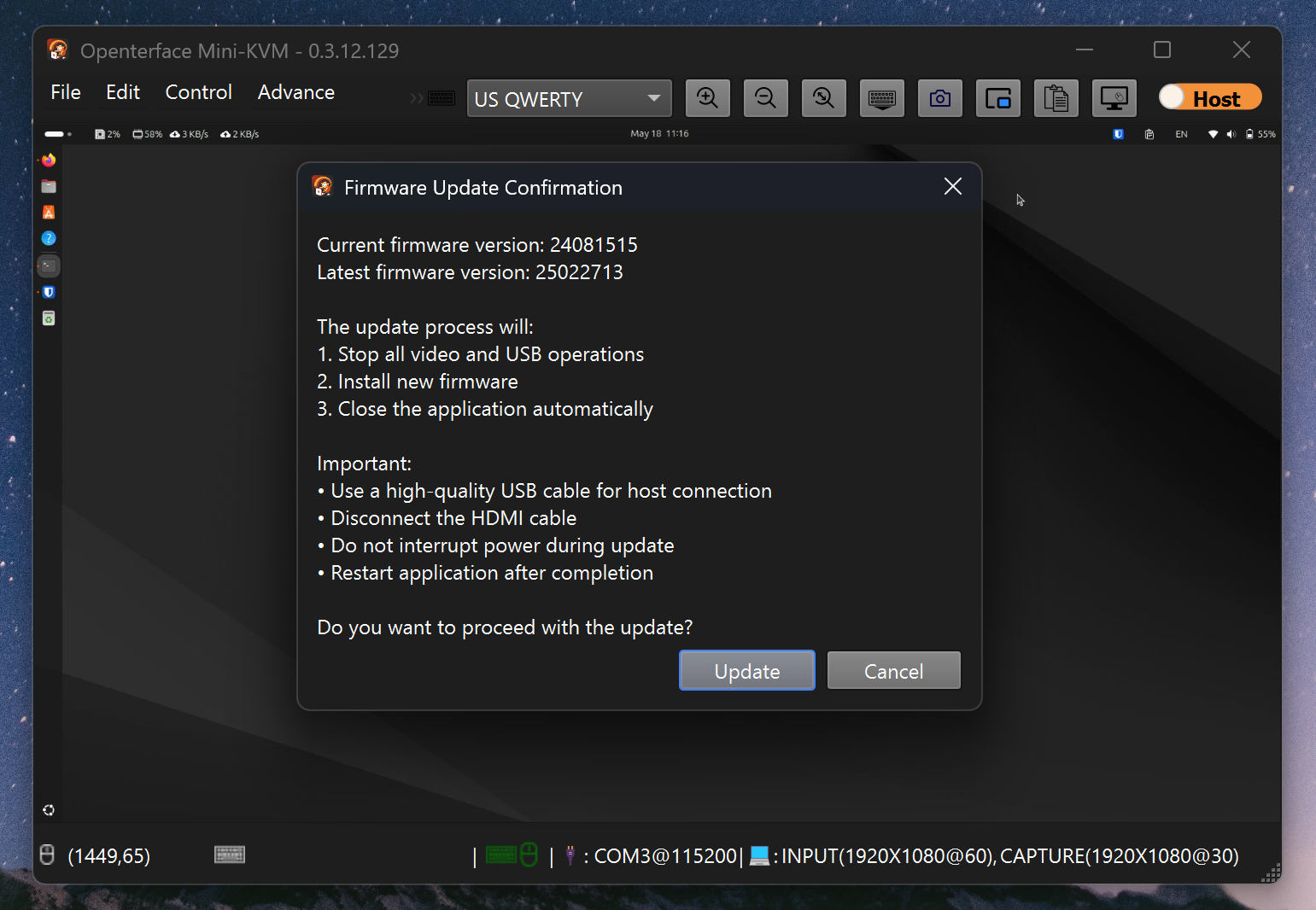
The settings include a firmware update feature for the device, and that also worked well.
One unusual feature was Mouse Dance, which moves the mouse randomly. People use this kind of feature to avoid idle detection in remote work environments or to prevent sleep mode, so it was amusing to see.
User Experience
What I expect from a KVM is not low latency or high image quality. I see a KVM as an emergency solution for system problems, so connection reliability is the most important factor.
If the goal is gaming or remote desktop use, a KVM is probably not the right tool. Software-based solutions such as Parsec or RDP will likely perform better.
What I wanted from Openterface was simple: no matter how I connected it, would it work reliably? I tested these situations:
- Reconnecting the host cable during use: worked
- Reconnecting the target mouse and keyboard USB cable: worked
- Reconnecting the target display cable: worked
- Connecting the host after only the target cables were plugged in: worked
- Connecting the target cables after only the host was connected: worked
- Entering BIOS after connecting while powered off and then booting: worked
- Entering BIOS after connecting while powered on and then rebooting: worked
These may sound like obvious scenarios, but some products fail them. A KVM already requires several cables, and if it only works when connected in a special order, it becomes exhausting.
In my tests, Openterface worked in all of these cases. At least on Windows, I think it provides proper software.
Linux Support
Next I looked at Linux support. My main OS is Linux, specifically Ubuntu 24.04, so Linux support mattered most to me. I installed the package from the official website and followed the GitHub installation guide. The guide asks users to install dependencies and configure permissions with commands like these:
# Setup the QT 6.4.2 or laterruntime and other dependencies
sudo apt install -y \
   libqt6core6 \
   libqt6dbus6 \
   libqt6gui6 \
   libqt6network6 \
   libqt6multimedia6 \
   libqt6multimediawidgets6 \
   libqt6serialport6 \
   libqt6svg6 \
   libusb-1.0-0-dev

# Setup the dialout permission for Serial port
sudo usermod -a -G dialout $USER

# Setup the hidraw permission
echo 'SUBSYSTEM=="usb", ATTRS{idVendor}=="534d", ATTRS{idProduct}=="2109", TAG+="uaccess"' | sudo tee /etc/udev/rules.d/51-openterface.rules
sudo udevadm control --reload-rules
sudo udevadm trigger
The disappointing part is that after installing the package, users still need to modify the system in several ways. I wanted the software to be easy enough to run right after installation.
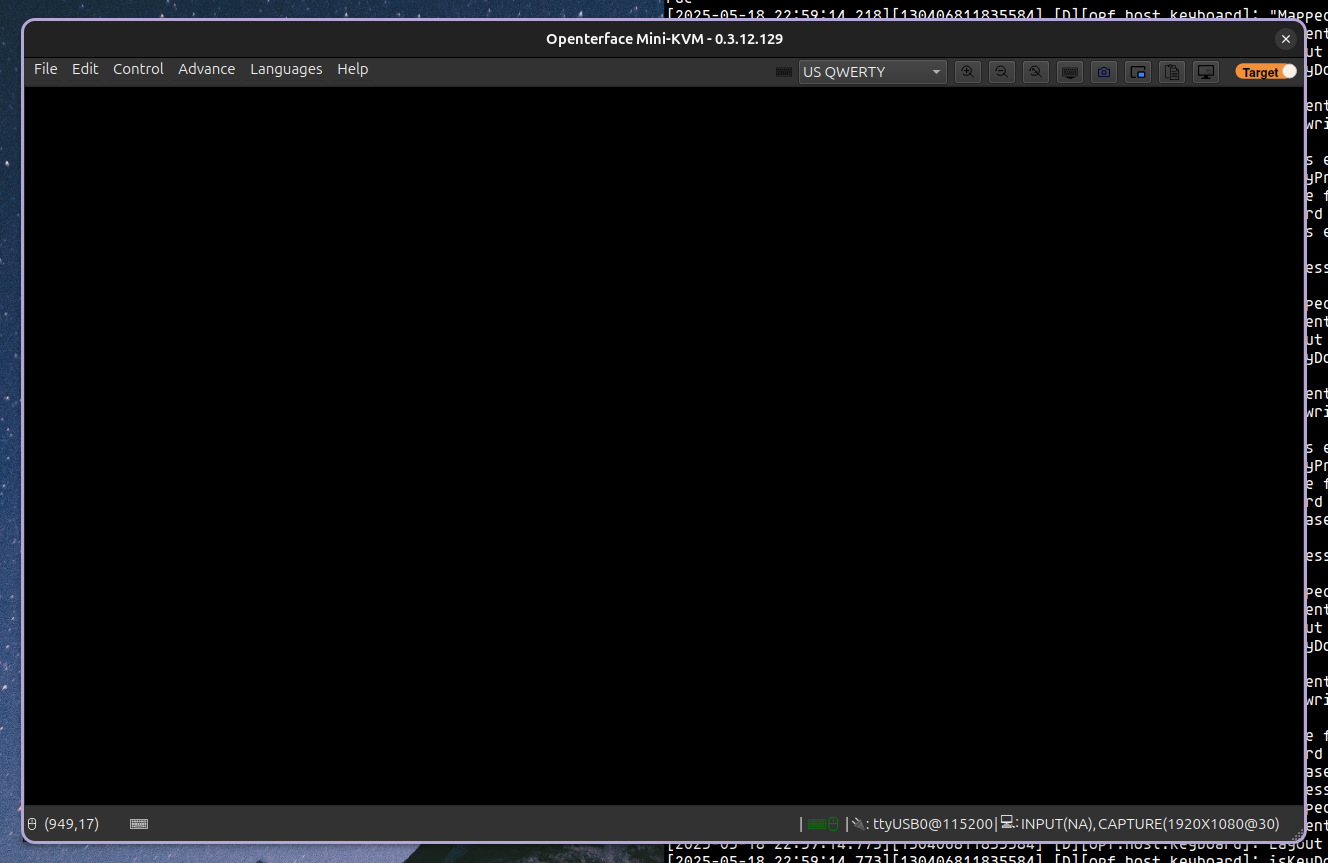
After trying several things, I eventually gave up using Openterface on Linux. It connected briefly at times, but most situations had problems that made real use difficult.
- Serial permission errors occurred even after following the instructions, requiring root privileges
- Display output did not work even after changing options
- Firmware update did not work
- The app crashed during use
At this point, I do not think Linux support is in good shape. This area needs a lot more improvement.
Conclusion
Based on what I have seen so far, Openterface captures the value of a KVM well. In my tests, connection reliability was good, and at least on Windows it provided proper software. If it works well on macOS too, I expect it can be used without major problems across the major host operating systems.
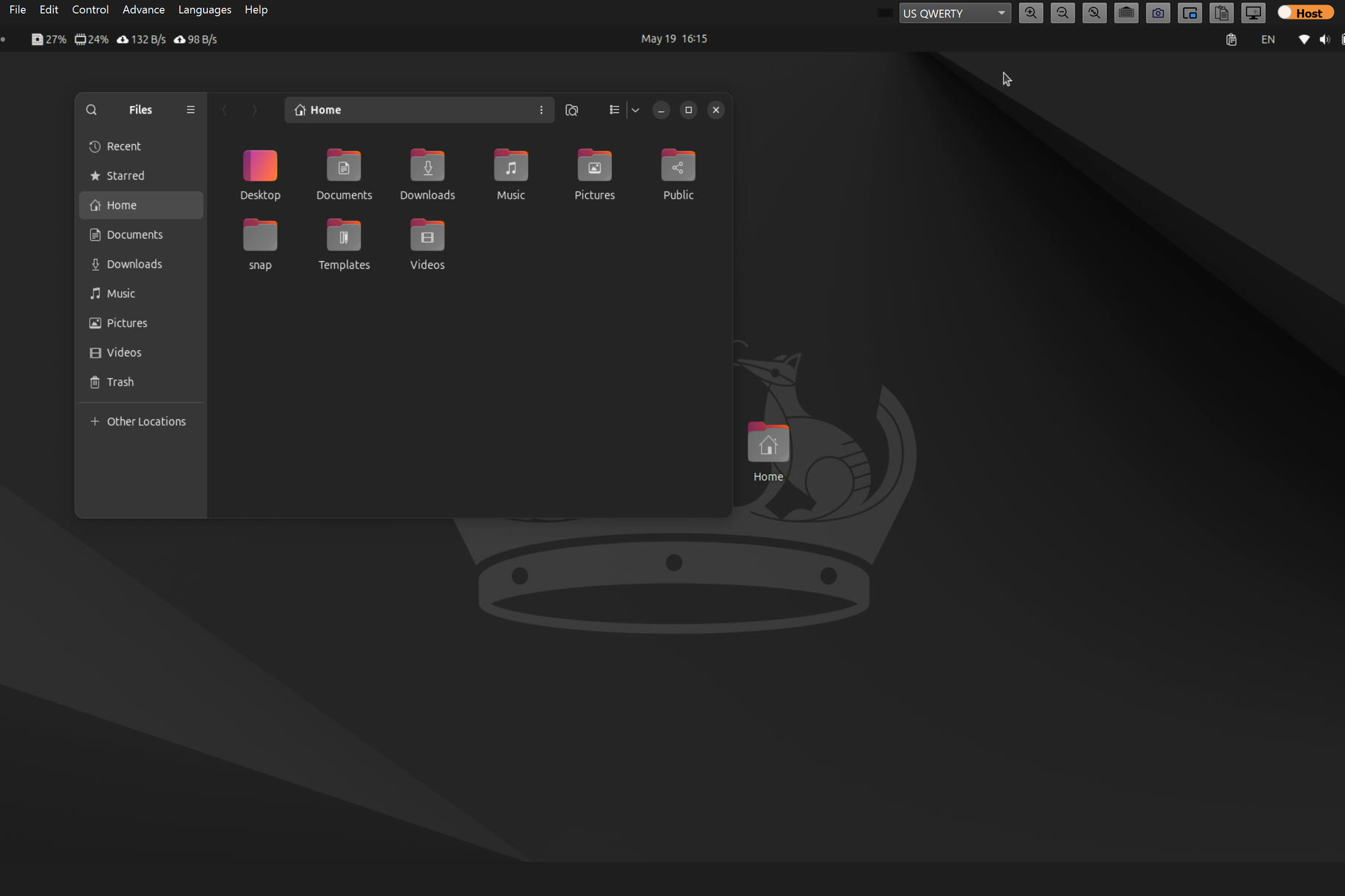
There are still many things to improve. There were small bugs such as the screen being cut off in full-screen mode, and the Linux software was not usable in a normal way. These may improve over time, but it would have been better to solve them before consumers received the product.
The biggest issue is price. I understand that a new company may lack polish, but compared with mature products like NanoKVM, it was hard to find a clear advantage. Being closer to open source is not enough by itself.
Overall, the product leaned more toward disappointing than satisfying, but I am still happy to see a company taking on this challenge. There are not many companies making affordable server-related devices. I hope they keep improving and release more interesting products in the future.